
Estimated reading time: 11 minutes
If your personal details appear on IDCrawl, you may want them removed as fast as possible.
That makes sense.
People-search sites can make it easier for strangers to find your name, phone number, email address, old usernames, or public profile links. Even when the information came from public sources, many people still feel uncomfortable seeing it collected in one place.
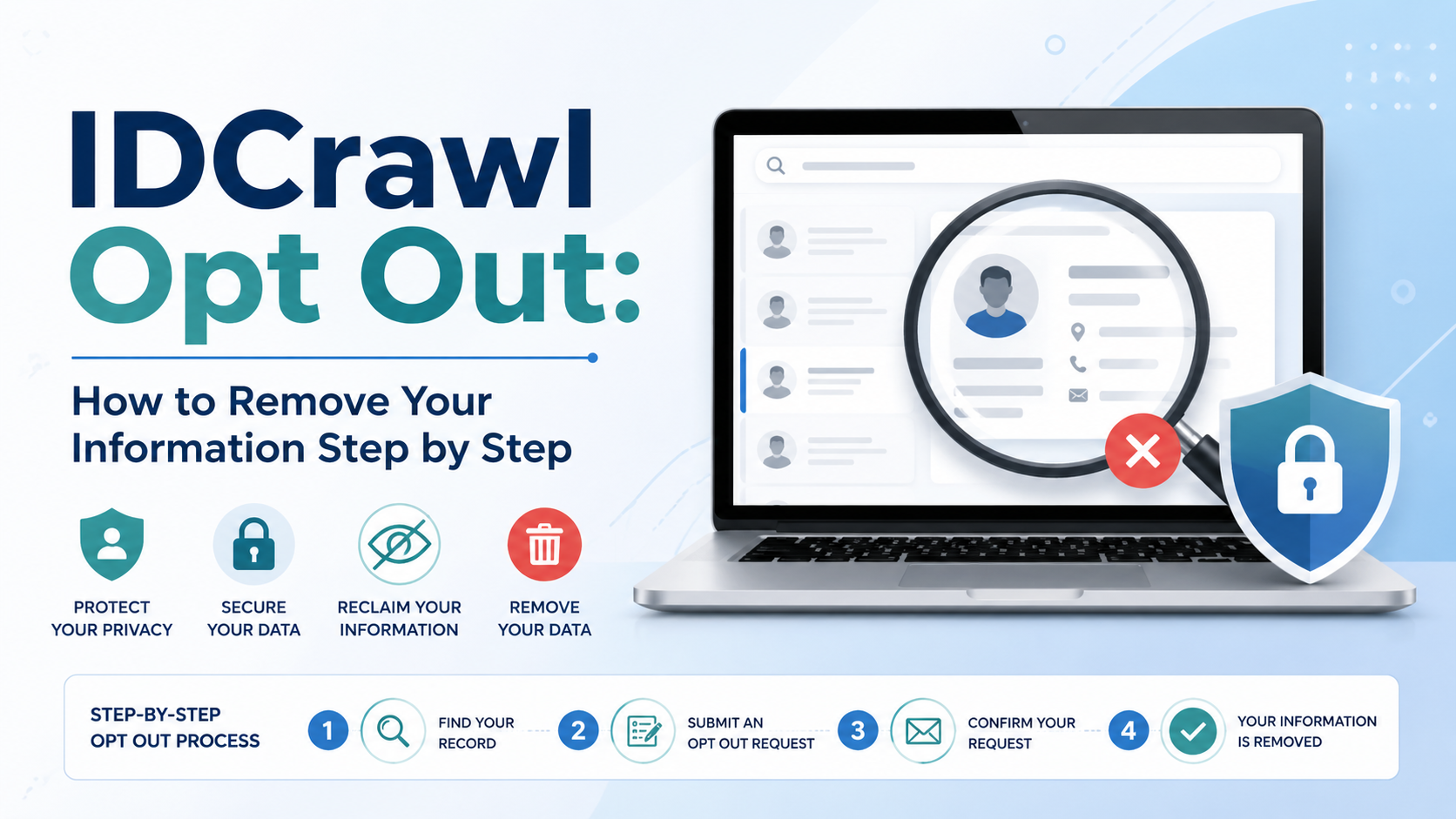
The good news is that the IDCrawl opt out process is fairly simple. In most cases, you need to find your IDCrawl profile, submit the removal form, and confirm the request through email.
Still, many users run into the same problems:
- they cannot find the correct IDCrawl profile URL
- they forget to click the email verification link
- they remove the IDCrawl page but not the original source
- they assume the listing is gone forever
- they never monitor the result later
This guide explains the full process in a cleaner, easier format. It also covers what IDCrawl is, what the opt-out process does, what it does not do, and what steps can help reduce future exposure.
If you want help beyond a single opt-out request, visit Remove Online Information, explore more privacy guides on the blog, or reach out through the contact page.
What Is IDCrawl?
IDCrawl is a people-search website.
It collects and organizes information from public-facing sources. That may include names, usernames, phone numbers, email addresses, social profile links, and other public records or public web details.
This is why people often search for IDCrawl opt out. They do not want their information grouped together in a searchable profile.
Why an IDCrawl listing may feel invasive
An IDCrawl page can make it easier for someone to:
- connect your name to old profiles
- find contact details
- search your online history
- discover public usernames
- link different pieces of information together
Even if the data is not new, the way it is organized can still create privacy concerns.
What the IDCrawl Opt Out Process Does
The IDCrawl opt-out process is meant to remove your profile from IDCrawl itself.
That is the key point.
It can help remove:
- your IDCrawl profile page
- your listing from IDCrawl’s index
- public visibility of that profile on IDCrawl
It does not always remove:
- the original source website
- public records elsewhere
- your data from other people-search sites
- search engine results right away
So if the original information still exists on another site, that source may still stay visible elsewhere online.
Think of the IDCrawl opt out process as one layer of privacy cleanup, not the entire solution.
Before You Start the IDCrawl Opt Out
Before submitting anything, take a few minutes to prepare.
This makes the process much smoother.
Step 1: Find your listing first
Search for your profile on IDCrawl using:
- your full name
- your name plus city or state
- your phone number
- your email address
- old usernames or handles
The goal is to find the exact IDCrawl page connected to your information.
Step 2: Copy the exact IDCrawl profile URL
This matters a lot.
You need the direct IDCrawl page URL, not:
- a Google search result link
- a general search page on IDCrawl
- a social media profile link
- another site’s page
The wrong URL can slow the process down or cause the request to fail.
Step 3: Take screenshots
Before removal, save screenshots of:
- the IDCrawl listing
- the profile URL
- the search result where you found it
This helps if you need to follow up later.
Step 4: Use an email account you can access now
IDCrawl removal usually requires email verification.
So use an address you can check right away. If you use an inbox you rarely open, the request may stall.
IDCrawl Opt Out: Step-by-Step Instructions
Here is the full process in a simple format.
Step 1: Find the IDCrawl profile
Go to IDCrawl and search for your name or another identifier.
When you find the profile that appears to match your information, open it and copy the full URL from the browser bar.
It may look something like this:
https://www.idcrawl.com/first-last-name
Be careful here. You want the direct profile page.
Step 2: Open the IDCrawl opt-out page
Next, go to IDCrawl’s official removal page.
You can refer to it in your article as IDCrawl Remove My Information.
This is the page where you submit the request.
Step 3: Paste the profile URL
In the field for the IDCrawl profile page, paste the exact URL you copied.
Double-check the link before submitting it.
Make sure it is:
- the full profile page URL
- copied correctly
- not shortened
- not from Google
- not from another site
A small error can cause problems.
Step 4: Enter your email address
Now enter your email address.
Use one you can access immediately, because you will likely need it for the verification step.
Step 5: Submit the request
Once both fields are complete, submit the form.
After that, check your email inbox.
Step 6: Click the verification email
This is one of the most important steps.
Many users think the request is done after they submit the form. It is not.
You usually must click the verification link in the email to complete the process.
Check these folders too:
- spam
- junk
- promotions
- updates
If you do not click the email link, the removal may not be completed.
Step 7: Recheck the listing
After verification, search for the IDCrawl page again.
You can also search on Google using:
site:idcrawl.com "Your Name"
This helps you see whether the old result still appears in search.
Even if IDCrawl removes the page, search engines may take some time to catch up.
What If You Cannot Find Your IDCrawl Profile?
This is one of the most common IDCrawl opt-out problems.
If a normal name search does not work, try a more targeted approach.
Search using different identifiers
Try searching with:
- full legal name
- nickname
- maiden name
- city or state
- phone number
- email address
- username or handle
Sometimes the listing is tied more closely to a username or public profile name than to your full name.
Use Google to help find the page
Try searches like:
site:idcrawl.com "Your Name"
site:idcrawl.com "Your Email"
site:idcrawl.com "Your Phone Number"
This can help surface the exact page URL you need.
What If You Never Get the Verification Email?
If the email never arrives, do not assume the process is complete.
Try these fixes first.
Check your email folders
Look in:
- spam
- junk
- promotions
- updates
Confirm the email address was correct
A typo in your email address can stop the process.
Confirm the profile URL was correct
If the submitted URL was wrong, the system may not work as expected.
Try again
Sometimes a second submission works better if the first one had an error.
Contact support if needed
If the request still does not work, you may need to contact IDCrawl support and explain the issue clearly.
A simple message template:
Subject: IDCrawl Removal HelpHello,I submitted a removal request for my IDCrawl profile but did not receive the verification email.Profile URL:
[insert profile URL]Email used:
[insert your email]Please help me complete the removal request.Thank you.
Does IDCrawl Opt Out Remove the Original Source?
No. This is one of the biggest misunderstandings.
The IDCrawl opt out process usually removes your profile from IDCrawl itself. It does not automatically remove the original page or source that IDCrawl used.
That source could still be:
- a public social profile
- a directory page
- a forum profile
- a public record page
- another people-search site
- an old personal website
So if the original source remains public, your information may still show up elsewhere.
That is why a stronger privacy plan often includes two steps:
- remove the IDCrawl listing
- remove or limit the source information where possible
What to Do After the Listing Is Removed
The process should not end when the IDCrawl page disappears.
You should also check where else your information may still appear.
Check search engines
Search Google and Bing for:
- your name
- your phone number
- your email address
- your usernames
Look for other people-search sites, directories, or public pages.
Check other people-search sites
If your data appears on IDCrawl, it may also appear on other similar sites.
That means one successful opt out may not be enough.
Check the original source
If the source page is still public, it may continue to create exposure later.
Common source types include:
- public social media bios
- old blogs
- people-search sites
- public document links
- directories
- old forum accounts
Monitor for reappearance
Sometimes information comes back.
That can happen when:
- source information changes
- a public profile becomes visible again
- records refresh
- another public site republishes the data
So it is smart to recheck your name from time to time.
A simple tracking template
This is useful for WordPress readers because it is easy to scan and use:
Site: IDCrawl
Profile URL:
Date submitted:
Verification email received:
Date verified:
Result after 7 days:
Result after 30 days:
Original source still live:
This can help you stay organized if you are removing listings from multiple sites.
How to Reduce the Chance of Your Information Returning
An IDCrawl opt out is a great step. However, it works better when you also reduce the source exposure.
Review your public profiles
Look at your public-facing accounts and pages.
Check for:
- visible email addresses
- public phone numbers
- location details
- old usernames
- profile links tied to your full name
- public bio pages
If those stay public, they may keep feeding exposure elsewhere.
Remove yourself from other people-search sites
If IDCrawl has your information, other people-search websites may have it too.
That is why privacy cleanup usually works best as a broader process.
Limit new public exposure
Try to avoid publishing unnecessary details on public pages.
That includes:
- personal phone numbers
- personal email addresses
- home address details
- public PDFs with contact information
- old forum bios
- outdated directory listings
A small cleanup here can make a big difference later.
Common IDCrawl Opt Out Problems
Here are the issues people run into most often.
Problem: The request was submitted, but the page is still there
Fix:
Make sure you clicked the email verification link. Submitting the form alone may not finish the process.
Problem: The wrong page was submitted
Fix:
Find the exact IDCrawl profile URL and submit again.
Problem: The listing is gone from IDCrawl but still shows on Google
Fix:
Give search engines time to refresh their results.
Problem: The data is gone from IDCrawl but still visible elsewhere
Fix:
Remove or limit the original source and check other people-search sites too.
Problem: The listing comes back later
Fix:
Review whether the original source became public again or whether related public information resurfaced.
Quick IDCrawl Opt Out Checklist
This format is useful for readability and WordPress performance.
IDCrawl opt-out checklist
- Find the exact IDCrawl profile.
- Copy the full profile URL.
- Take screenshots.
- Open the official IDCrawl removal page.
- Paste the profile URL.
- Enter your email address.
- Submit the form.
- Click the verification email.
- Recheck the listing.
- Monitor search results and source pages later.
When to Get Help
Some cases are simple.
Others are not.
You may want help if:
- your information appears on many people-search sites
- you cannot remove the source data
- the listing keeps returning
- your information includes sensitive details
- the issue affects your privacy or reputation
- you want a broader removal strategy instead of one site at a time
That is where Remove Online Information can help.
If your IDCrawl listing is only one part of a bigger privacy issue, a more complete plan may save time and reduce future exposure. You can also use the contact page if you want direct support.
CTA: If your IDCrawl listing is only one piece of a larger privacy problem, contact Remove Online Information for help building a more complete removal strategy.
FAQ: IDCrawl Opt Out
Find your IDCrawl profile, copy the exact profile URL, submit it through the official removal page, enter your email, and click the verification link sent to your inbox.
You usually need the exact IDCrawl page URL and an email address you can access.
Yes. In most cases, the process is not complete until you click the verification link.
No. It usually removes the IDCrawl listing, not the original source.
Search engines may still show the old result until they refresh their index.
Try searching by full name, phone number, email, username, or use Google with site:idcrawl.com.
Check spam, junk, and promotions folders. Then confirm the email and profile URL were entered correctly. If needed, contact support.
Check spam, junk, and promotions folders. Then confirm the email and profile URL were entered correctly. If needed, contact support.
Check search engines, review the original source, and monitor for future reappearance.
Works Cited
California Privacy Protection Agency. “Data Brokers.” CalPrivacy, privacy.ca.gov/data-brokers/. Accessed 25 Apr. 2026.
Federal Trade Commission. “What To Know About People Search Sites That Sell Your Information.” Consumer Advice, consumer.ftc.gov/articles/what-know-about-people-search-sites-sell-your-information. Accessed 25 Apr. 2026.
IDCrawl. “Contact Us.” IDCrawl, www.idcrawl.com/contact. Accessed 25 Apr. 2026.
IDCrawl. “Free People Search Engine.” IDCrawl, www.idcrawl.com/. Accessed 25 Apr. 2026.
IDCrawl. “Privacy.” IDCrawl, www.idcrawl.com/privacy. Accessed 25 Apr. 2026.
IDCrawl. “Remove My Information.” IDCrawl, www.idcrawl.com/remove-my-information. Accessed 25 Apr. 2026.
Need help removing something?
Remove Online Information can review your links and explain what is removable, which approach fits, and what it costs, before you commit. Get a free removal assessment or browse our free opt-out guides.