
Estimated reading time: 10 minutes
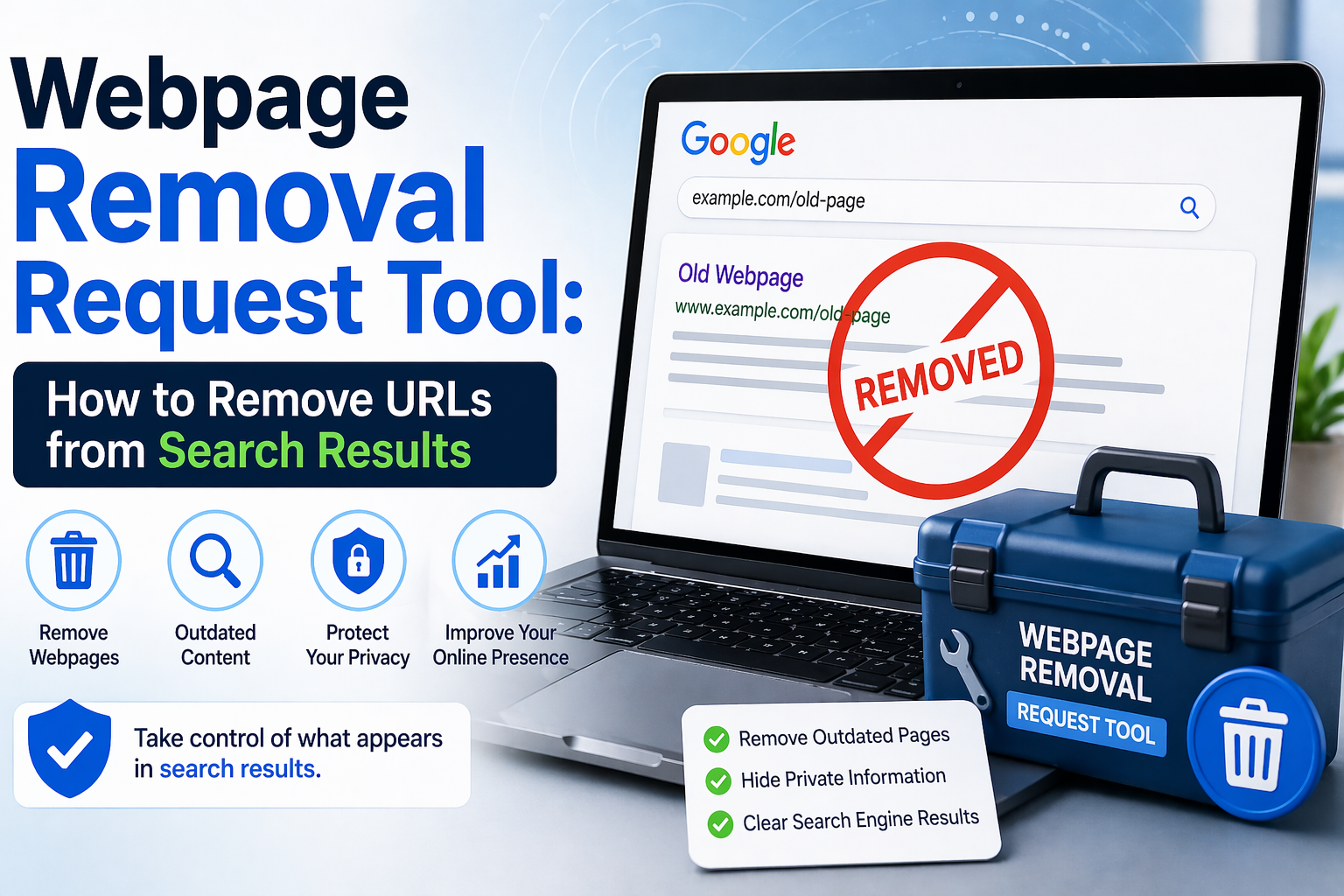
If a page still appears in Google or Bing after you deleted it, you may need a webpage removal request tool.
This happens often. A page is gone from a website, but it still shows in search. In some cases, the page is updated, but the old snippet stays visible. In other cases, a private file or outdated post keeps showing up long after it should be gone.
The good news is that there are clear steps you can take.
First, you need to know this: search engines usually do not own the page. They only index what they find online. So, in most cases, the best way to remove a URL from search results is to fix or remove the page on the website itself first.
After that, you can ask Google or Bing to update their results.
This guide explains:
- what a webpage removal request tool does
- when to use Google’s tools
- when to use Bing’s tools
- how to remove outdated URLs from search results
- what site owners should do first
If you want help with search-result cleanup, Remove Online Information offers support for privacy-related removals, publisher outreach, and URL suppression planning.
What Is a Webpage Removal Request Tool?
A webpage removal request tool is a system that helps remove, hide, or refresh a URL in search results.
It may be used for:
- deleted pages
- outdated search snippets
- cached results
- private information
- image or PDF URLs
- pages that should no longer be indexed
Not every tool does the same job. That is where many people get confused.
There are four common types of removal
1. Temporary removal
This hides a page from search for a limited time.
2. Outdated content removal
This helps when a page changed or was deleted, but the search result still shows the old version.
3. Privacy removal
This is for pages that show personal details, such as an address, phone number, or other sensitive information.
4. Permanent removal
This usually requires changes on the original site so the search engine can confirm the page should no longer appear.
A search result may disappear for a while and then return if the source page is still live.
That is why source-page changes matter so much.
Why a URL Still Shows in Search
Many people think that deleting a page should make it disappear from Google or Bing right away.
That is not how search works.
Search engines store indexed information and revisit websites on their own schedule. Until they crawl the page again, the old result may stay visible.
Common reasons a URL stays indexed
- the page was deleted, but the search engine has not updated yet
- the page changed, but the old snippet is still cached
- the wrong URL was submitted for removal
- the same content exists on another version of the page
- a PDF or image is still live
- the page redirects instead of returning as removed
This is normal, but it can be frustrating.
Start With the Source Page
Before you use any removal tool, check the page itself.
If you own the page, update or delete it first.
If you do not own the page, contact the website owner first when possible.
This is the strongest long-term step because it solves the root issue.
Source-page fixes may include
- deleting the page
- removing sensitive text
- replacing the page with a new version
- deleting a public PDF
- removing an image from a live page
- blocking indexing where needed
Why this matters
A search engine can hide a result for a while. However, if the page stays public, the result may come back later.
So the best order is simple:
- Fix the page
- Submit the search-engine request
- Check the result again
- Monitor it over time
Google Removal Tools
Google offers more than one removal path. The right one depends on the situation.
Google Search Console Removals Tool
This tool is for site owners.
If you manage a website in Google Search Console, you can request a temporary removal from Google Search.
This is useful when you need a fast response.
Use this tool when
- you own the site
- the page needs to disappear quickly
- you already changed or removed the page
- you want short-term visibility control
Do not rely on it alone
This tool is not a full eraser. It works best when paired with source-page changes.
If the page is still live and indexable, it may return later.
Google Refresh Outdated Content Tool
This tool is helpful when you do not own the page, but the content has already changed or been deleted.
Use it when
- a page was removed
- a page was updated
- a snippet still shows old text
- a cached result is outdated
Do not use it when
- the live page still shows the same content
- you want to remove a page that is still public and unchanged
- you are trying to delete the original content from the web
This tool updates Google’s search view. It does not remove the actual webpage.
Google Personal Information Removal
Google also offers a process for certain kinds of personal information.
This may apply if a search result shows:
- home address
- personal phone number
- email address
- bank or credit card details
- login credentials
- government ID numbers
- medical records
In that case, a privacy-related request may be the better option.
Google also offers a feature called Results about you, which can help people find and manage search results that show personal contact information.
Bing Removal Options
Bing has its own system. It does not use Google’s index, so changes in Google do not automatically carry over.
If you want a page removed from both Google and Bing, you usually need to take action in both places.
Bing removal requests may help when
- a page was deleted
- a page changed
- a snippet is outdated
- a cached result still shows old content
- harmful or sensitive material needs review
Like Google, Bing works best when the source page has already been fixed.
How to Pick the Right Removal Tool
This is the simplest way to choose.
If you own the website
Use:
- source-page changes
- Google Search Console Removals
- Google recrawl tools
- Bing webmaster removal tools
If you do not own the website and the page already changed
Use:
- Google outdated content removal
- Bing outdated content or removal options
If the page contains private information
Use:
- Google personal information removal
- Bing concern or reporting options
- direct outreach to the site owner
If the page is still live and unchanged
Start with the publisher.
That is often the most important step.
Step-by-Step Process to Remove a URL From Search Results
Here is a simple process you can follow.
Step 1: Find the exact URL
Do not guess.
Copy the exact URL that appears in search. Check for:
httpandhttps- trailing slash differences
- mobile versions
- PDF URLs
- image URLs
- parameter versions
A small mismatch can cause a request to fail.
Step 2: Save screenshots and notes
Before you do anything else, save:
- the search query
- the result title
- the snippet
- the URL
- a screenshot of the result
- a screenshot of the live page
This helps you track progress and follow up if needed.
Step 3: Remove or update the source page
If you control the page, edit or delete it.
If someone else controls it, contact them and ask for removal or redaction.
Simple outreach template
Hello,
I am requesting removal or redaction of the content on this page: [insert URL].
The page includes information that should no longer be public.
Please confirm when the page has been updated or removed.
Thank you.
Keep your message short and direct.
Step 4: Submit the correct request
Once the page is changed, use the right search-engine tool.
That may be:
- Google Search Console Removals
- Google outdated content request
- Google personal information request
- Bing removal or concern request
Choose the tool based on the type of problem.
Step 5: Ask for a refresh
If the page was changed recently, ask the search engine to refresh it.
This can help remove stale snippets faster.
It is especially useful when the live page is already fixed, but search still shows the old version.
Step 6: Check search results again
Search again using the same keywords.
Look for:
- whether the result is gone
- whether the snippet changed
- whether the page appears under another URL
- whether a PDF or image still shows up
Sometimes the main page disappears, but a file remains indexed.
Step 7: Monitor the result
Do not assume one request solves everything.
Some removals are temporary. Some results return because the source was not fully fixed.
A simple tracking sheet helps.
Search query:
Exact URL:
Problem type:
Source fixed:
Google request sent:
Bing request sent:
Current status:
Next review date:
This keeps the process organized.
Common Mistakes to Avoid
A webpage removal request tool can work well. Still, a few common mistakes slow everything down.
Using the wrong tool
Do not use an outdated-content tool for a live unchanged page.
Submitting the wrong URL
Even a small variation may matter.
Forgetting files
PDFs, images, and attachments can stay in search even after a page changes.
Ignoring Bing
Google and Bing are separate.
Skipping the source page
If the page stays public, the result may come back.
Expecting instant results
Search engines need time to recrawl and update.
WordPress Tips for Better URL Removal
If your site uses WordPress, you should check more than just posts and pages.
Review these areas too
- media library files
- attachment pages
- author archives
- category pages
- tag pages
- cached plugin versions
- public staging pages
- old uploads
Helpful WordPress habits
- review old content often
- remove files you no longer need
- test public URLs after deleting pages
- check whether deleted content still loads somewhere
- make sure private material is not hiding in media folders
These steps help reduce future removal issues.
For more help, readers can explore the Remove Online Information blog or reach out through the contact page.
When a Removal Tool Is Not Enough
Sometimes the problem is bigger than one URL.
You may need a broader approach if:
- many pages show the same private detail
- a removed page keeps coming back
- old content is republished on other sites
- search snippets remain outdated across many URLs
- privacy and reputation issues overlap
That is when strategy matters more than a single form.
Remove Online Information helps individuals and organizations handle search-result cleanup, source-level outreach, privacy-focused removals, and long-term exposure reduction.
CTA: If you need help with a difficult indexed page or repeated search-result problem, visit Remove Online Information and use the contact form to get started.
Quick Checklist
Use this checklist if you want a simple starting point.
URL removal checklist
- find the exact URL
- save screenshots
- check whether you own the page
- remove or edit the source
- contact the publisher if needed
- submit the correct Google request
- submit the correct Bing request
- look for cached snippets
- check PDFs and images
- review results again later
FAQ: Webpage Removal Request Tool
It is a tool that helps remove, hide, or refresh a URL in search results.
Yes, but lasting removal usually requires changes on the original website.
Use source-page changes first, then use Google Search Console Removals and Bing’s webmaster tools if needed.
Contact the site owner first. If the content is already gone or changed, use outdated-content tools.
Yes, in some cases. Privacy-related removal options exist for certain personal information.
The search engine may still have the old version indexed or cached.
It depends on the page status, the tool used, and how quickly the search engine updates.
Start with the source page. That is usually the strongest step.
A webpage removal request tool can help remove unwanted URLs from search results, but it works best when used the right way. Start with the source page, choose the proper Google or Bing path, and keep checking until the result is gone for good. If you want help managing that process, Remove Online Information can help.
Works Cited
Google. Find and Remove Personal Info in Google Search Results. Google Search Help, support.google.com/websearch/answer/12719076. Accessed 23 Apr. 2026.
Google. Refresh Outdated Content. Google Search Help, support.google.com/websearch/answer/6349986. Accessed 23 Apr. 2026.
Google. Refresh Outdated Content Tool. Search Console Help, support.google.com/webmasters/answer/7041154. Accessed 23 Apr. 2026.
Google. Remove Information on Your Website from Google. Search Console Help, support.google.com/webmasters/answer/7479439. Accessed 23 Apr. 2026.
Google. Removals and SafeSearch Reports Tool. Search Console Help, support.google.com/webmasters/answer/9689846. Accessed 23 Apr. 2026.
Microsoft. Content Removal. Bing Webmaster Tools, www.bing.com/webmasters/help/content-removal-cb6c294d. Accessed 23 Apr. 2026.
Microsoft. How To Permanently Remove a URL or Page from Bing or Copilot. Bing Webmaster Tools, www.bing.com/webmasters/help/?topicid=37c07477. Accessed 23 Apr. 2026.
Need help removing something?
Remove Online Information can review your links and explain what is removable, which approach fits, and what it costs, before you commit. Get a free removal assessment or browse our free opt-out guides.