
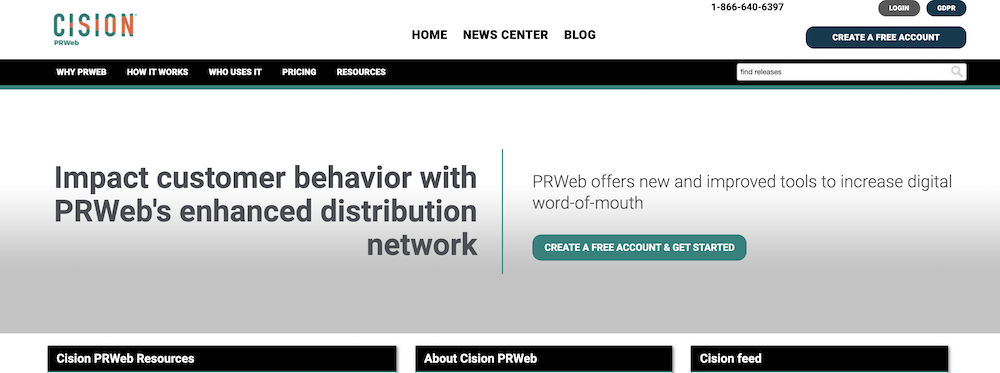
Home / Opt-out guides / PRWeb
Press release distribution opt-out guide
How to Remove Content or Personal Information From PRWeb
Press releases distributed through PRWeb (now part of Cision) can stay online for years. The company that issued a release can ask PRWeb to remove or update it; others should contact the issuing company first.
Quick facts
- Help pagePRWeb customer support
- CostFree
- VerificationAccount login or report form
- Account neededOnly to delete your own content
- Processing timeUsually reviewed within days
- Last reviewedOctober 2026
Step by step
How to get content removed from PRWeb
- Identify the issuerFind which company published the press release.
- Ask the issuer to request removalThe issuing company can ask PRWeb support to remove or update the release.
- Contact PRWeb directlyIf the release contains your private information or false statements, contact PRWeb support with details.
- Address syndicated copiesContact news sites that republished the release.
- Clean up searchUse Refresh Outdated Content once removed.
What PRWeb shows about you
- Press releases
- Contact names in releases
After you opt out
- Search your name on the site and in Google to confirm the change.
- If Google still shows an old PRWeb page, use Google’s Refresh Outdated Content tool.
- Keep screenshots and confirmation emails in case you need to follow up.
- Re-check periodically, since data can be re-added from other sources.
FAQ
PRWeb opt-out FAQ
Want your information removed for you?
We handle opt-outs and follow-ups across people-search sites, then re-check that listings stay down. Get a free assessment first.