
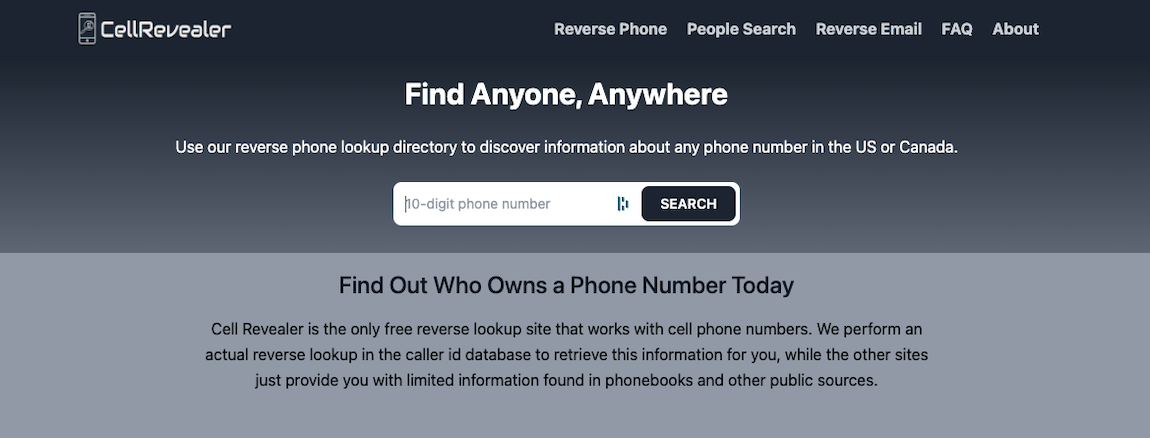
Home / Opt-out guides / CellRevealer
Reverse phone lookup site opt-out guide
How to Remove Your Information From CellRevealer
To remove yourself from CellRevealer, use the official opt-out page at cellrevealer.com (Unsubscribe link). Use the Unsubscribe link at the bottom of the homepage, enter your number, and confirm by text or call.
Quick facts
- Opt-out pagecellrevealer.com (Unsubscribe link)
- CostFree
- VerificationText message or phone call
- Account neededNo
- Processing timeVaries; re-check after a few days
- Last reviewedOctober 2026
Step by step
How to opt out of CellRevealer
- Open the homepageGo to cellrevealer.com and scroll to the bottom.
- Click UnsubscribeClick the Unsubscribe link to open the Remove my number form.
- Enter your numberEnter your phone number and choose Text Message or Phone Call to verify.
- Send and confirmClick Send and complete the verification. An on-screen confirmation says the number has been removed.
- Re-checkLook up your number again after a few days.
What CellRevealer shows about you
- Name associated with a phone number
- Carrier and location details
After you opt out
- Search your name on the site again in a private browser window to confirm the listing is gone.
- Opt out of related sites separately; one request rarely covers every brand.
- If Google still shows the old page, use Google’s Refresh Outdated Content tool once the listing is removed.
- Re-check every few months, because profiles can reappear when databases refresh.
FAQ
CellRevealer opt-out FAQ
Want your information removed for you?
We handle opt-outs and follow-ups across people-search sites, then re-check that listings stay down. Get a free assessment first.